
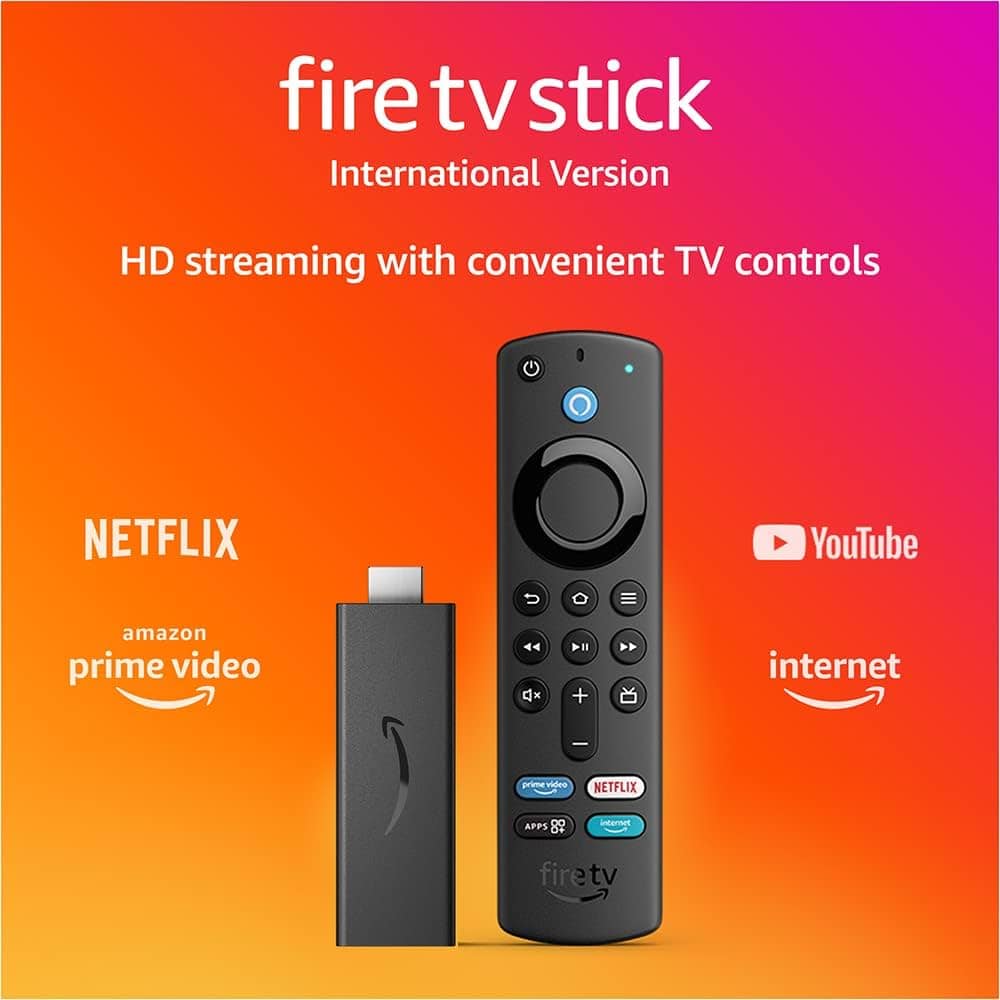
How to Watch IPTV on Firestick in Canada
Watching IPTV on Firestick in Canada is one of the easiest and most popular ways to enjoy live TV and sports.
With EazyTVStream, you can access hundreds of international channels, movies, and series — all from the comfort of your TV.
Step-by-Step Guide
- Go to your Firestick home screen.
- Open Settings > My Fire TV > Developer Options.
- Enable Apps from Unknown Sources.
- Download the IPTV player app (like TiviMate or IPTV Smarters Pro).
- Enter your EazyTVStream login details and start streaming instantly.
Why Use IPTV on Firestick?
- 🔥 Smooth streaming and HD quality
- 📺 Access to international sports channels like BeIN Sports and Sky Sports
- 💰 Affordable compared to traditional cable TV
Conclusion
With Firestick and EazyTVStream, watching IPTV in Canada has never been easier.
Enjoy unlimited entertainment, fast connection, and 24/7 support.
Contact us today to get your free 24-hour trial!