
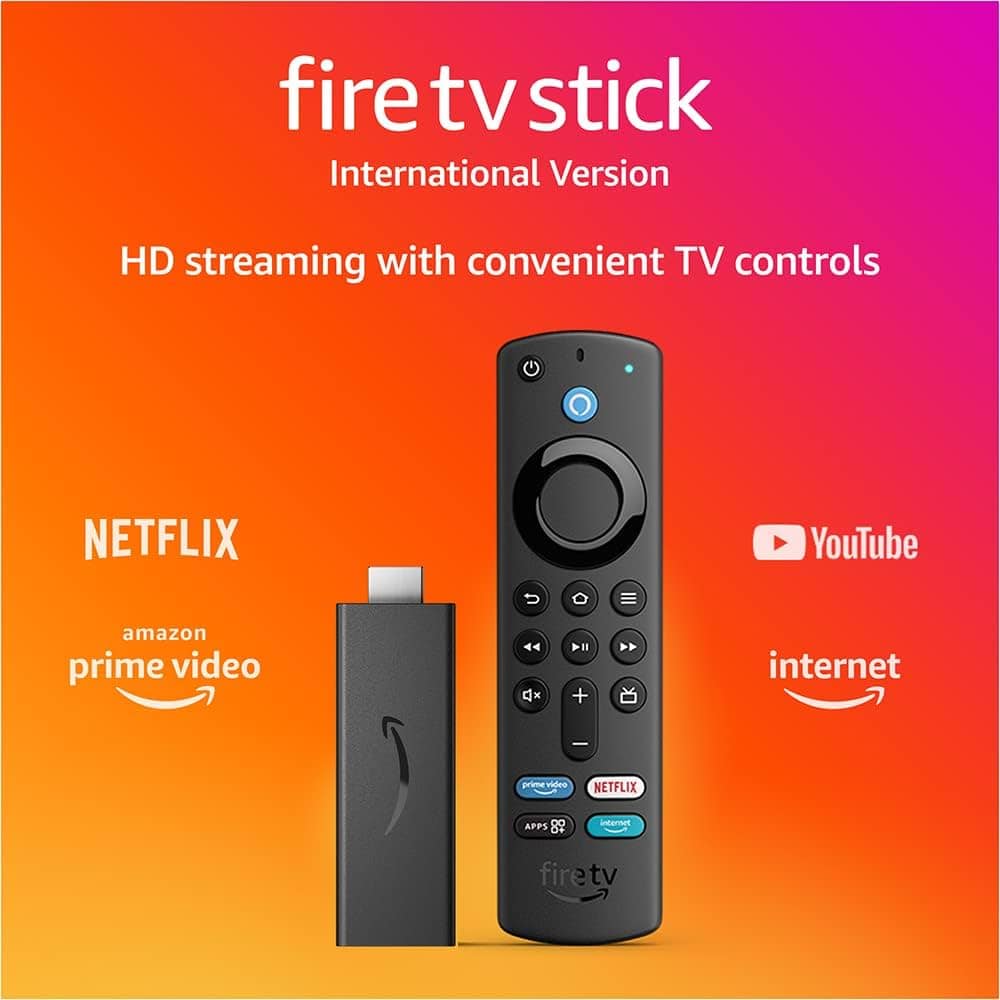
How to Install IPTV Smarters Pro on Firestick in Canada
If you’re looking to watch IPTV on your Firestick, IPTV Smarters Pro is one of the best apps available.
It offers a smooth, user-friendly experience to stream live TV, sports, and movies.
In this guide, we’ll show you how to install and set up IPTV Smarters Pro on your Firestick in Canada.
Step 1: Prepare Your Firestick
From your Firestick home screen, go to Settings > My Fire TV > Developer Options and enable
Apps from Unknown Sources. This allows you to install third-party apps like IPTV Smarters Pro.
Step 2: Install Downloader App
Go to the Amazon App Store, search for Downloader, and install it.
This app helps you download IPTV Smarters Pro easily.
Step 3: Download IPTV Smarters Pro
Open the Downloader app and enter this link: https://www.iptvsmarters.com/smarters.apk.
The app will download automatically — just follow the on-screen instructions to install it.
Step 4: Log In with EazyTVStream
Once installed, open IPTV Smarters Pro and select Login with Xtream Codes API.
Enter your username, password, and URL provided by EazyTVStream.
After login, you can start streaming instantly!
Why Choose IPTV Smarters Pro on Firestick?
- ✅ Smooth HD streaming
- ✅ Easy-to-use interface
- ✅ Works perfectly on Firestick and Fire TV devices
- ✅ Supports EPG, Catch-up, and Multi-screen features
Conclusion
Installing IPTV Smarters Pro on Firestick is quick and simple.
With EazyTVStream, you get reliable servers, high-quality streams, and 24/7 support.
Contact us today for a 24-hour free trial and experience the best IPTV in Canada!